Every version since 1.18
Xion Client ships a build for each one. Pick a version, it just works.
← drag →32 builds
Fabric defaultQuiltVanilla menus reskinnedJava picked for you
 Xion
Download v1.6.0
MINECRAFT CLIENT1.18 → 26.3
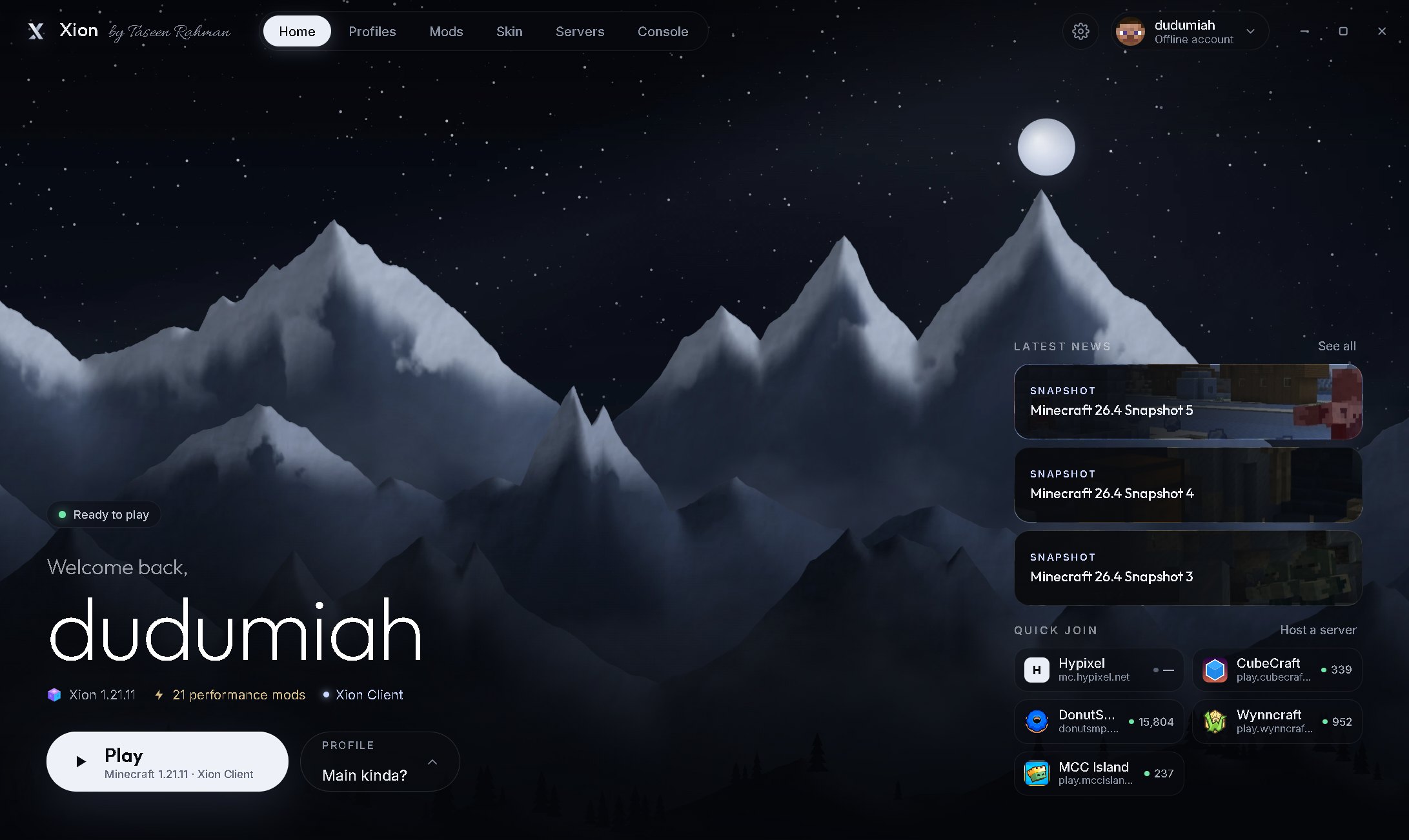
Fast by default. Every version since 1.18. A HUD you drag where you want it, skins that show up even offline, and a launcher that fixes its own crashes.
made by Taseen Rahman
Xion Client ships a build for each one. Pick a version, it just works.
Sodium, Lithium, FerriteCore, ImmediatelyFast and 17 more are in every profile from the start.
12 modules. Drag them around this little screen — and try pressing W A S D.
Opens the Xion menu in game. Here too — press it.
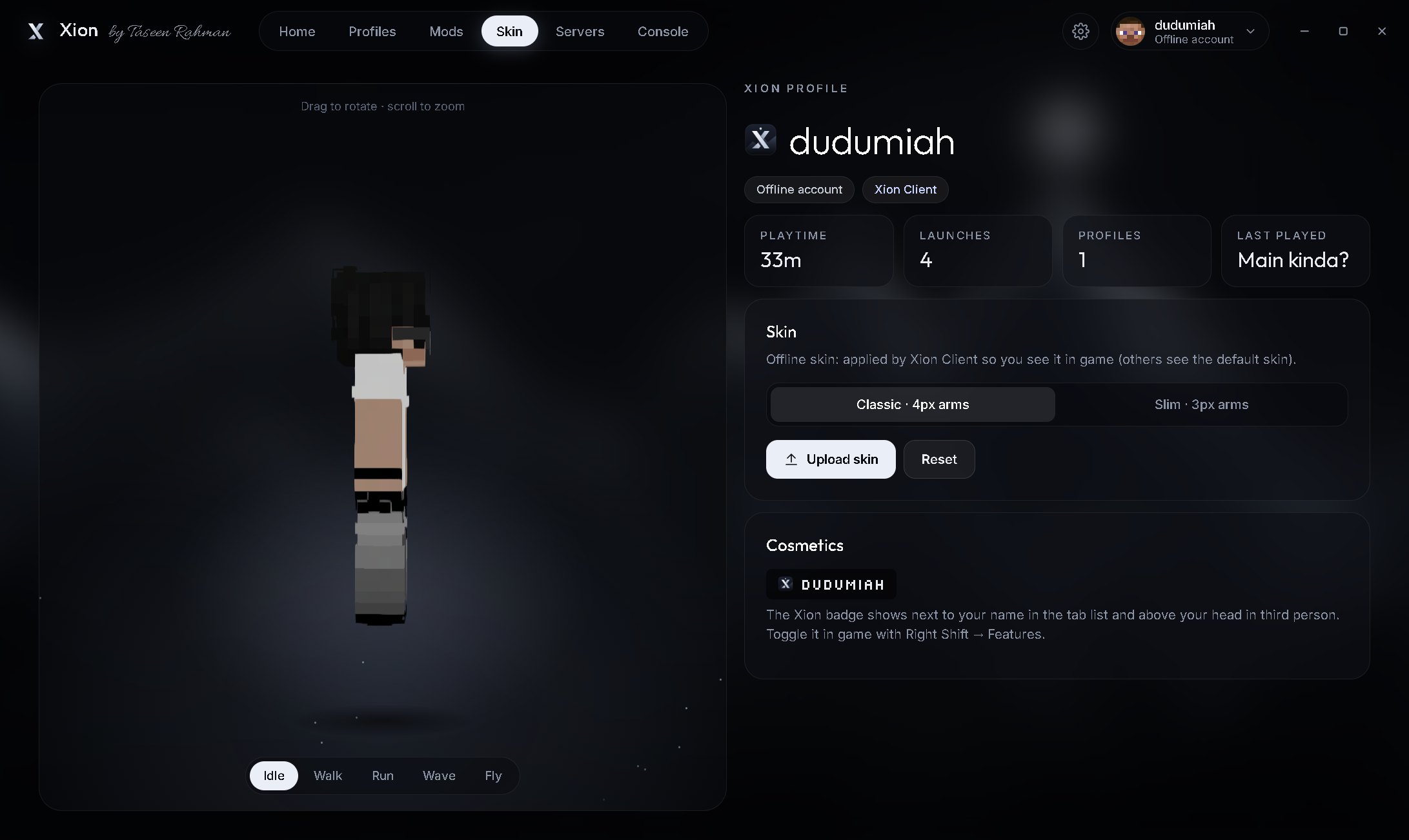
Upload a skin in the launcher. Xion shows it in game — on offline accounts too.
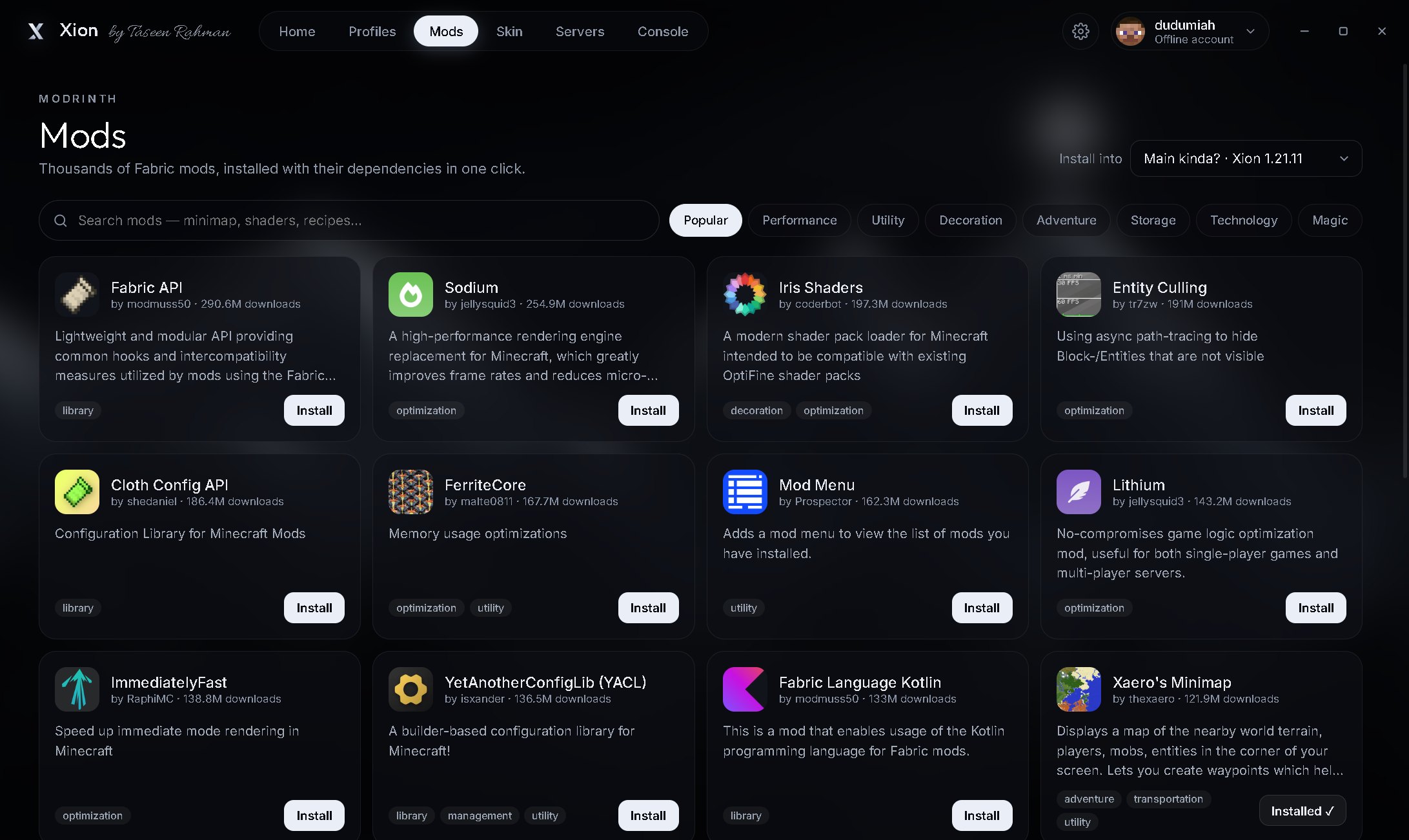
SteveThousands of Fabric mods from Modrinth. Dependencies come along automatically.
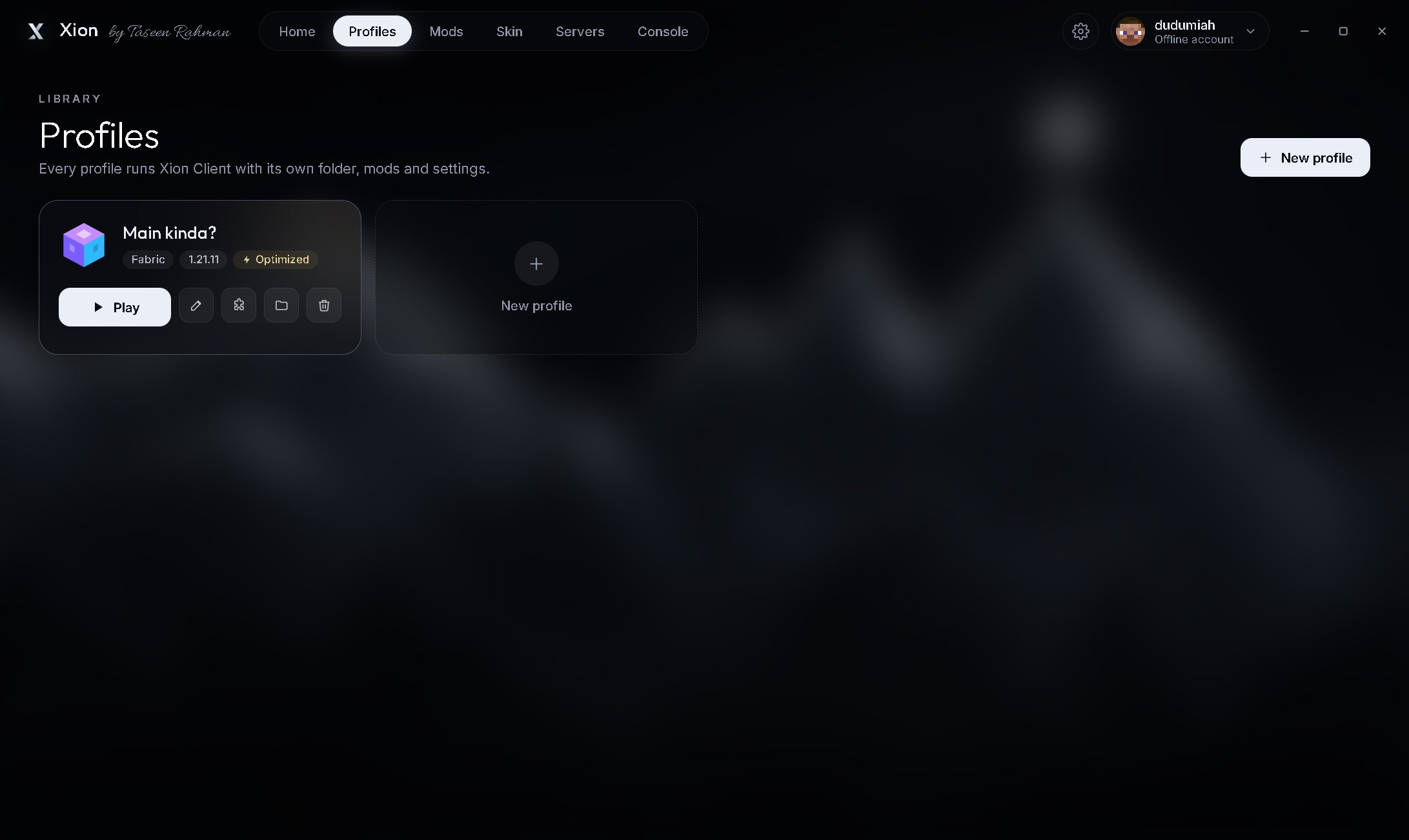
Paper servers on your own PC for you and your friends. No command line needed.
A mod breaks? Xion finds it, turns it off and relaunches. Missing a library? It grabs it.
Slow DNS, flaky router? Xion retries smartly and caches what it can.
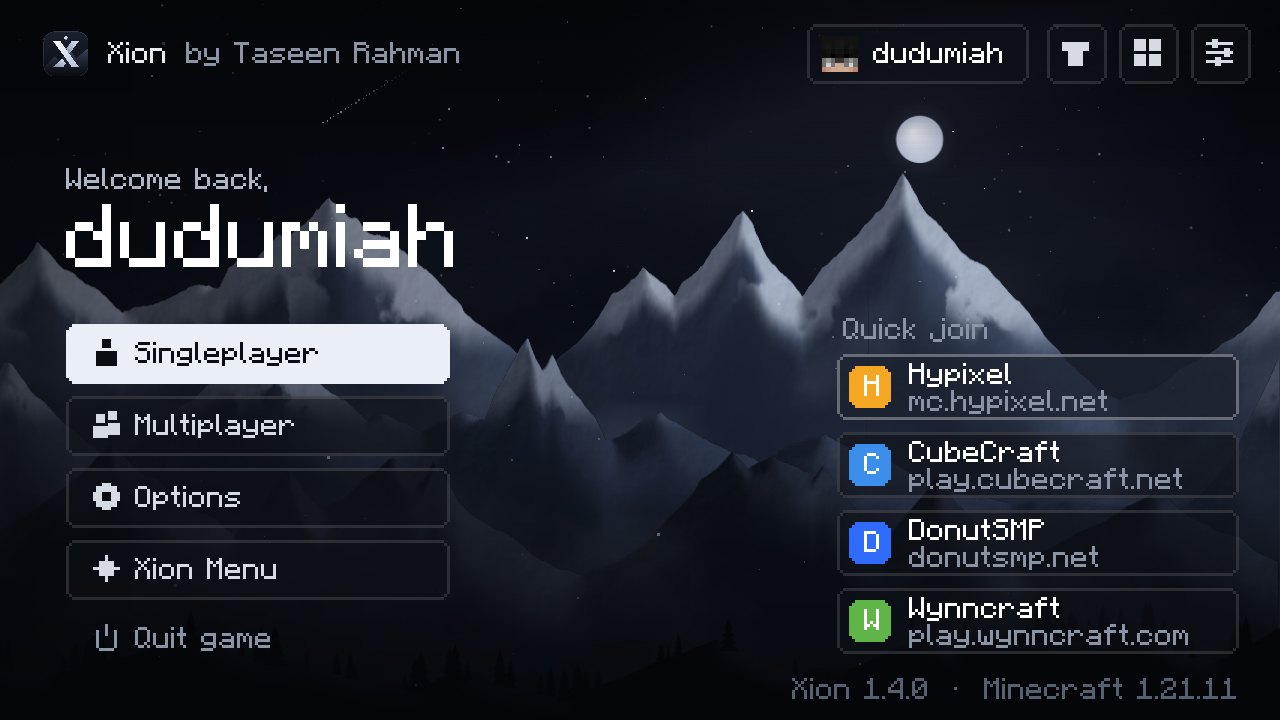
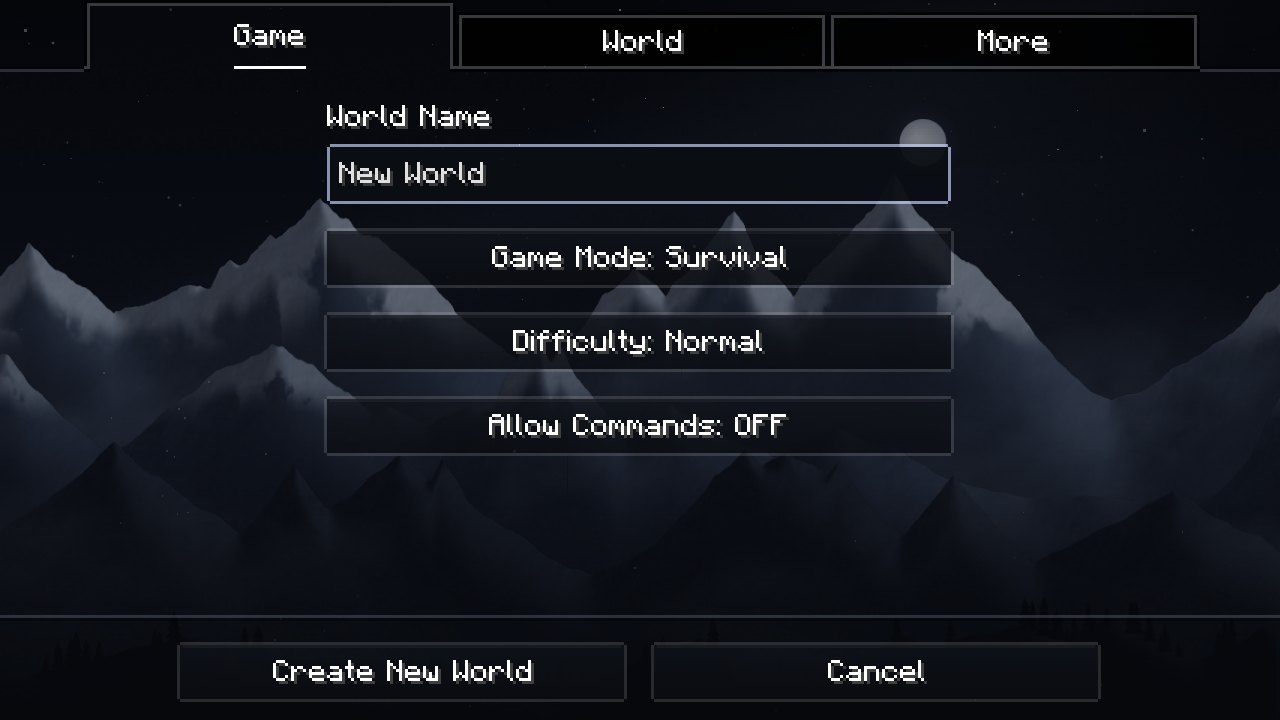
The main menu, pause menu and every vanilla screen get the same calm mountain backdrop.
The real Minecraft Java Edition on Android — same worlds, same servers, same mods — tuned so it stays playable on ordinary phones.
Early beta. Best on phones with 4 GB RAM or more and a 64-bit chip. Based on the open-source Amethyst engine — Xion Mobile source (LGPL-3.0).
No account with us, no sign-up, no ads. Java is downloaded for you, per version.
c75beb9eca62b40ec8f0e1b3338fb91372f2077531974e3fafb368d002505bb0
cb4509fe5061bc2f8f97385361d839036072f62f1541741e9bf225bcb4264b1a
ce130d7973e3135e30aba1f0003c4a28f17929baa09f040686f1624c934558db
Yes. No paid tier, no ads, no account with us. You still need to own Minecraft to play online with a Microsoft account.
Xion only adds things like a HUD, zoom and performance mods — the same kind of mods most clients ship. Auto Sprint and Fullbright are toggles; check a server’s rules if you’re unsure and switch them off.
Every release from 1.18 to 26.3, with Fabric or Quilt. Each version gets its own Xion Client build, so menus, HUD and skins work everywhere.
Yes. Search Modrinth inside the launcher, or drop jars into the profile’s mods folder. Dependencies install automatically.
The app isn’t code-signed yet, so SmartScreen doesn’t recognise it. You can compare the file with the SHA-256 checksum above before running it.
Xion Mobile is an early beta. It needs Android 8 or newer, a 64-bit chip, and runs best with 4 GB of RAM or more. Lite mode keeps settings low by default; turn it off from the home screen if your phone can handle more. To install, allow “Install unknown apps” when Android asks.
Not yet — Windows and Android only for now.